Text to Image - Generate stunning visuals from text prompts in seconds
From Prompt to Pixel-Perfect Image
GPT Image 2 の使い方
プロンプトテンプレートから画像生成、参照編集、保存されたダウンロードまで、一つの集中ワークスペースで行えます。
52+
Ready-to-Use Prompts
2K-4K
Resolution Output
Free
Trial Available
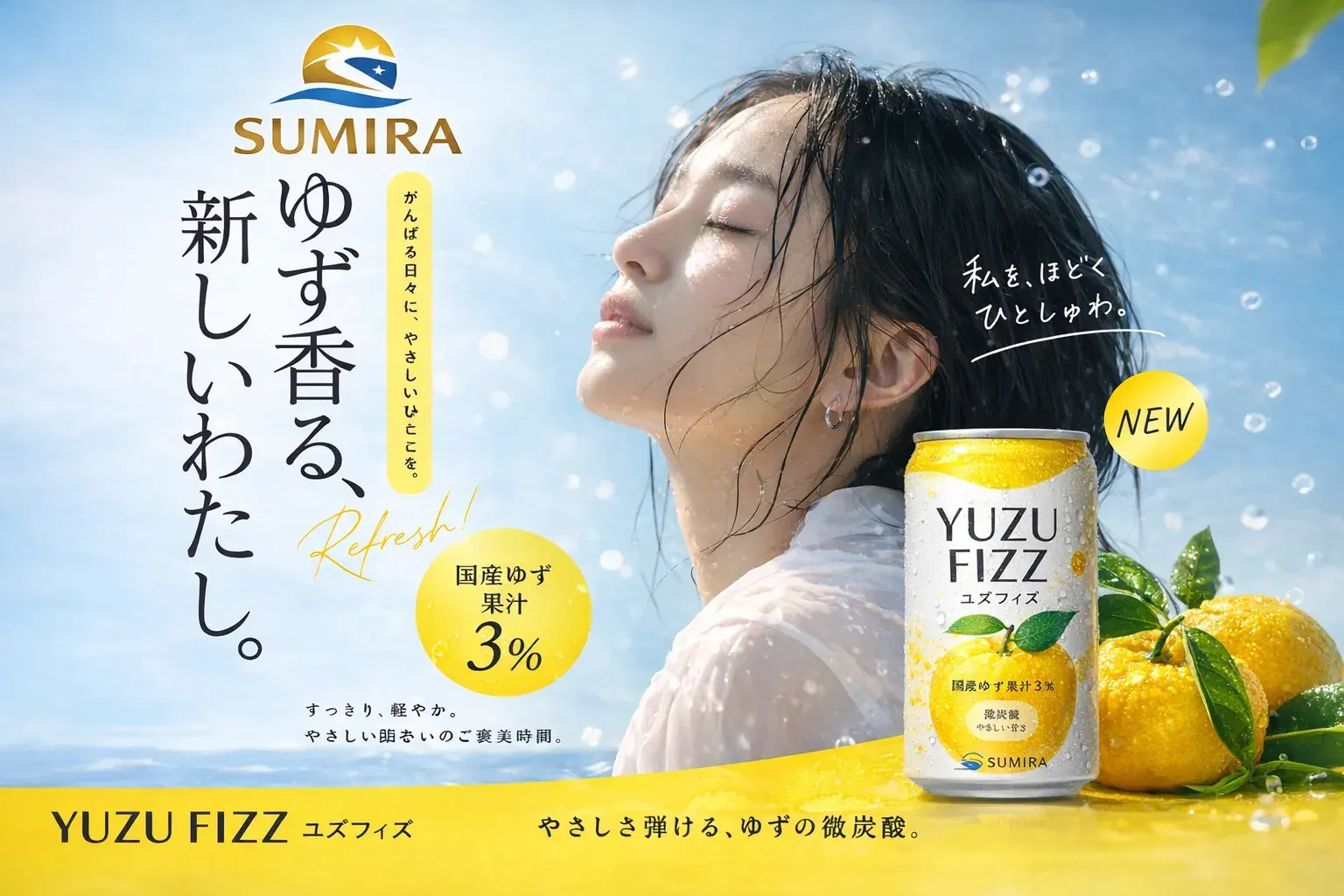
GPT Image 2
What is GPT Image 2?
GPT Image 2 is an advanced AI image generation and editing platform that transforms text descriptions into high-quality visuals. It delivers crisp, detailed images with accurate text rendering through natural language.
Explore All FeaturesImage Editing - Upload photos and refine them with natural language instructions
Style Transfer - Apply artistic styles while preserving structure and detail
Text Rendering - Accurate typography for logos, posters, and branded content
Step by Step
How to Use GPT Image 2: Step by Step
Follow these five simple steps to create your first AI-generated image.
01
プロンプトライブラリを閲覧
プレビュー画像付きの再利用可能なテンプレートから始めましょう。
02
プロンプトを作成またはカスタマイズ
被写体、シーン、スタイル、照明、比率を説明してください。
03
画像を生成
出力数とアスペクト比を選択して作成します。
04
参照で編集
画像編集モードで画像をアップロードし、変更を説明します。
05
ダウンロードして再利用
履歴を保存し、結果をダウンロードして、繰り返し改善しましょう。
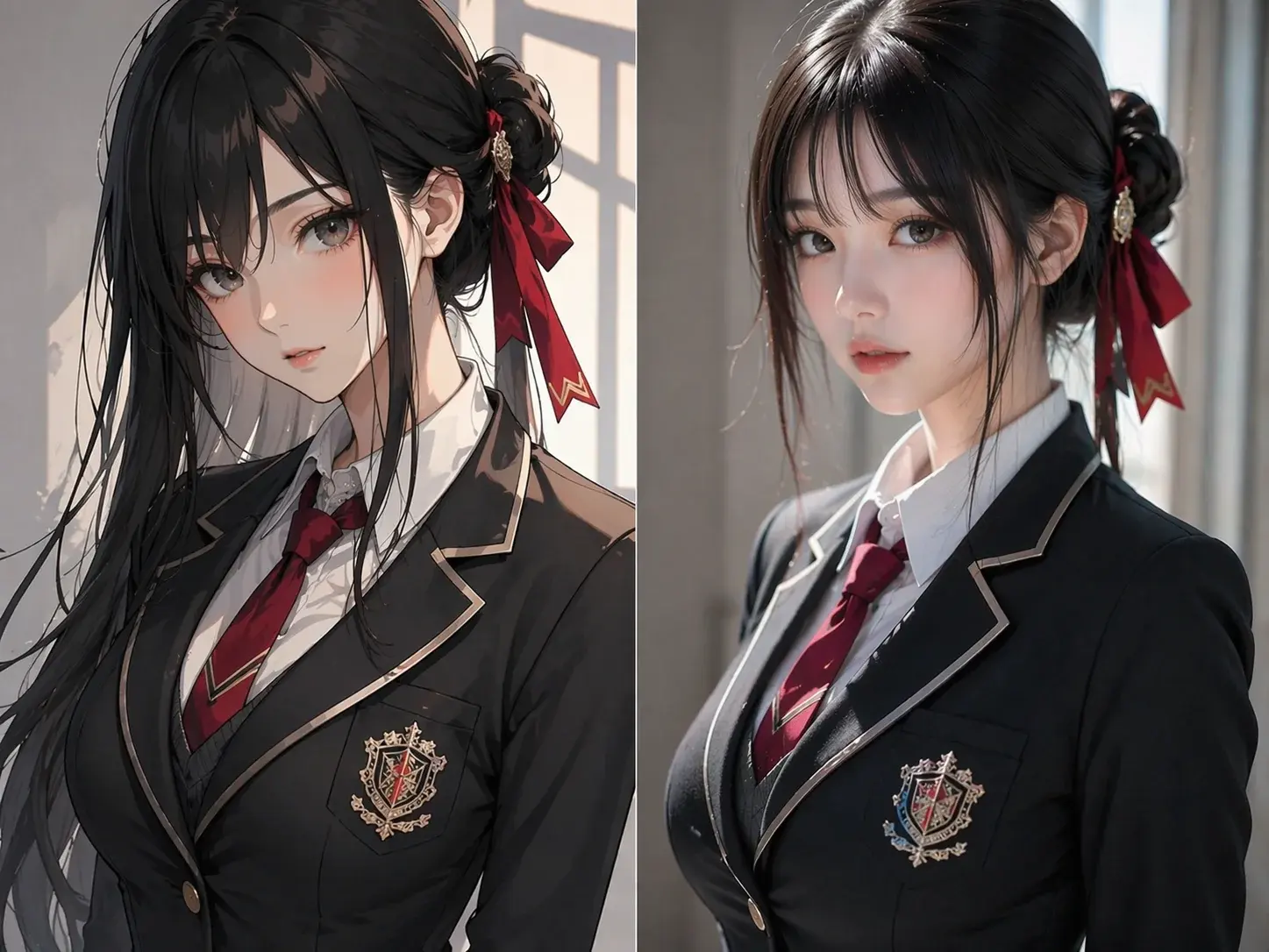
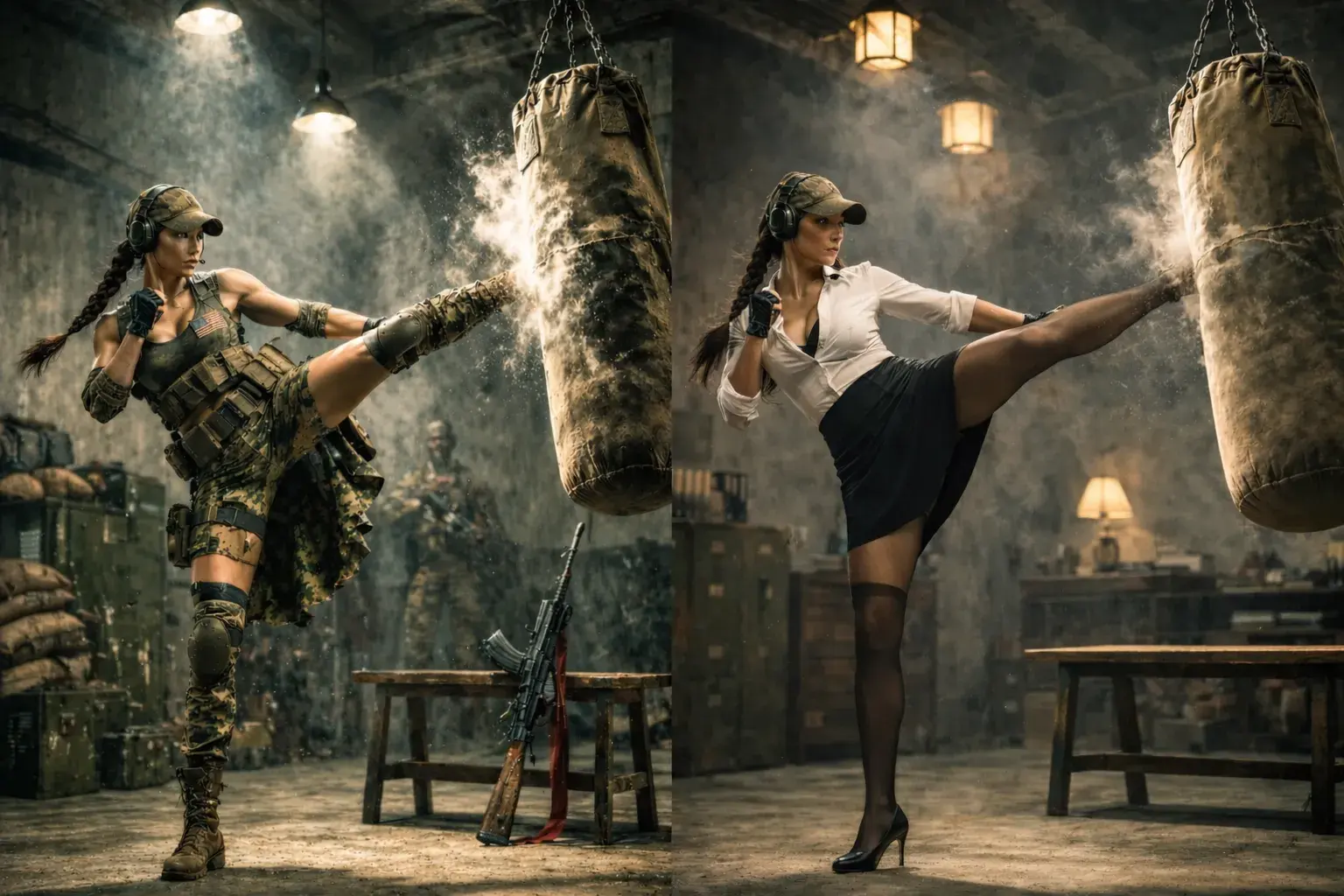
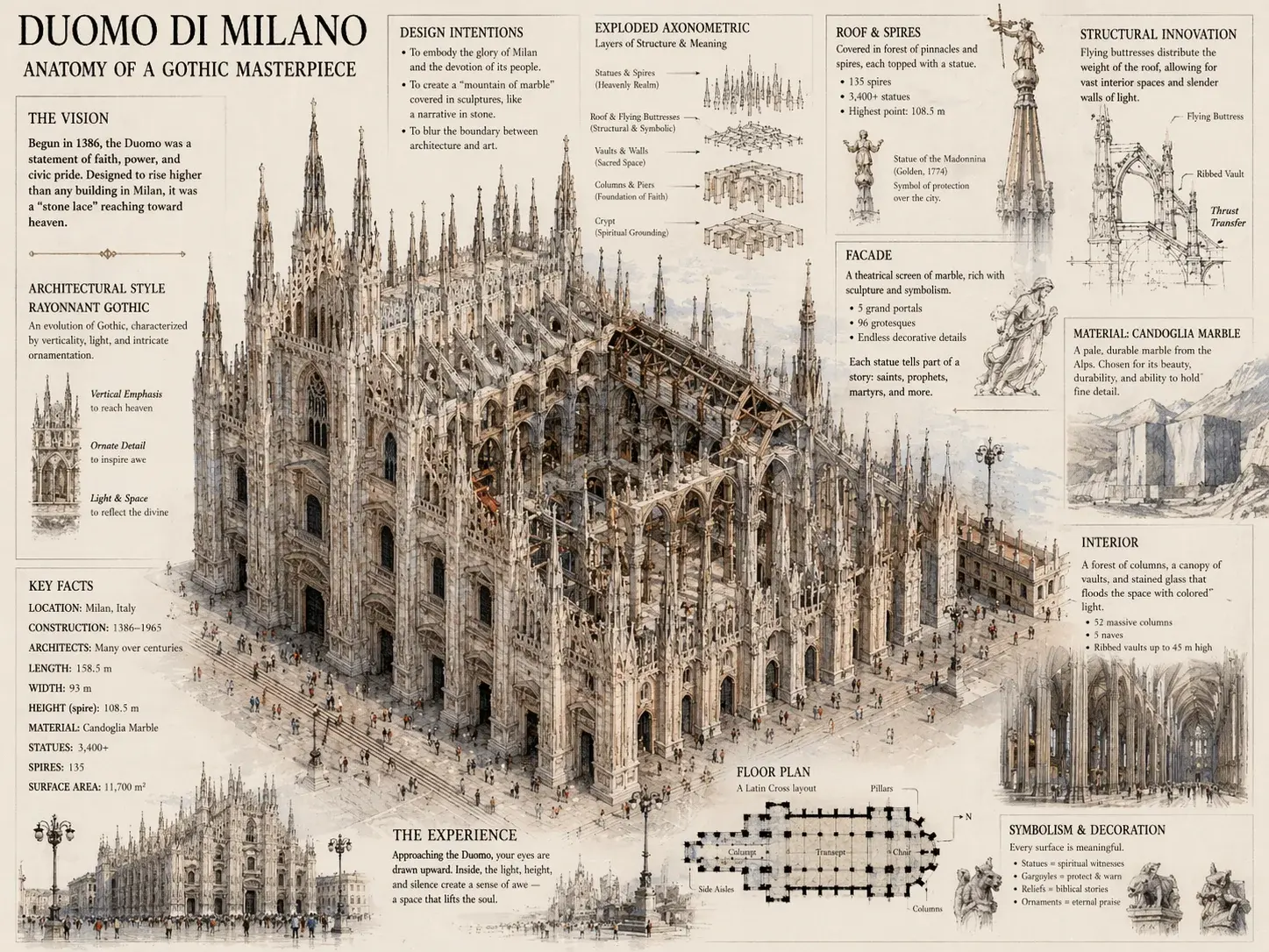
GPT Image 2 Examples: What You Can Create
See the range of visuals you can generate with GPT Image 2, from photorealistic portraits to creative illustrations.
プロのヒント
より良いプロンプトを書く
主題を具体的に
「猫」だけでなく、「夕暮れの窓辺に座るふわふわのオレンジのトラ猫」と書きましょう。詳細が多いほど、結果が良くなります。
照明と雰囲気を説明
照明の方向(「左からの柔らかい自然光」)、雰囲気(「暖かくて居心地の良い」)、環境(「夢のようなボケ背景」)を追加してAIを導きます。
スタイルと技術を指定
アートスタイル(「油絵」、「映画的写真」)、カメラアングル(「ローアングル」、「鳥瞰」)、構図(「三分割法」)を含めます。
参照画像を賢く使う
スタイル、カラーパレット、構図を合わせるために参照画像をアップロードします。維持する側面(「照明スタイルを保持」)と変更する側面を説明します。
反復と改善
基本的なプロンプトから始め、生成し、結果に基づいて改善します。プロンプト全体を書き直すのではなく、特定の要素を調整します。
避けるべきことを制御
否定的な表現(「テキストなし」、「背景の雑然としたものなし」)を使用して、生成から不要な要素を除外します。
Pricing
Useful for everyday image creation.
Common creative workflows with clear output goals and simple controls.
Creators
Generate campaign images, thumbnails, and social posts.
EC
Create polished product scenes and catalog visuals.
Design teams
Explore concepts, characters, and brand directions quickly.
FAQ
Questions, answered.
Quick answers about the GPT Image 2 workspace.
New users receive sign-up credits to try the image generator and editor. After that, you can subscribe to a Basic, Pro, or Max plan, or purchase pay-as-you-go credits.
Create your next image in one focused workspace.
Start from a prompt, upload a reference, choose a ratio, and keep your visual history in one place.