Text to Image - Generate stunning visuals from text prompts in seconds
From Prompt to Pixel-Perfect Image
GPT Image 2 사용 방법
프롬프트 템플릿부터 이미지 생성, 참조 편집 및 저장된 다운로드까지 하나의 집중된 작업 공간에서 진행하세요.
52+
Ready-to-Use Prompts
2K-4K
Resolution Output
Free
Trial Available
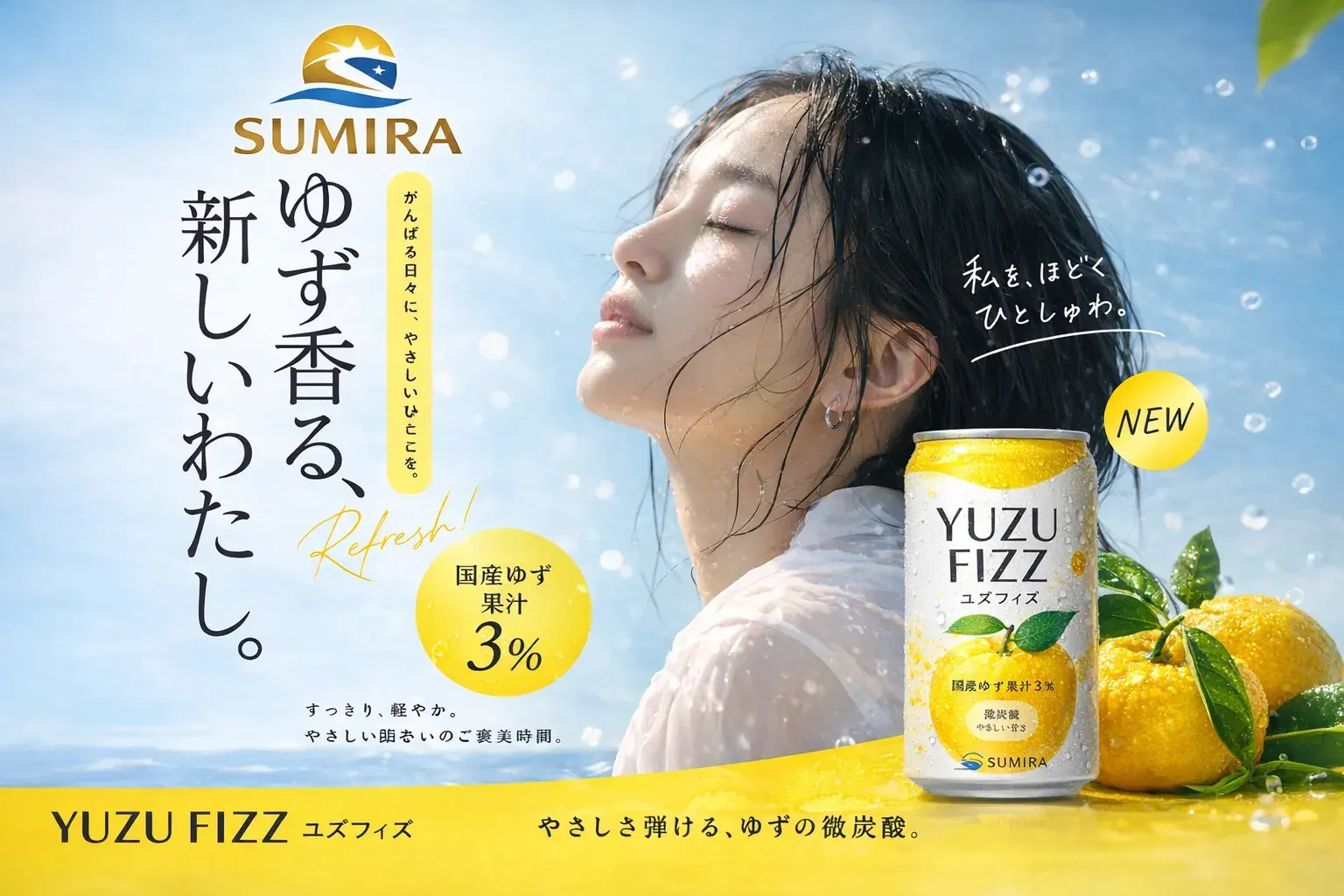
GPT Image 2
What is GPT Image 2?
GPT Image 2 is an advanced AI image generation and editing platform that transforms text descriptions into high-quality visuals. It delivers crisp, detailed images with accurate text rendering through natural language.
Explore All FeaturesImage Editing - Upload photos and refine them with natural language instructions
Style Transfer - Apply artistic styles while preserving structure and detail
Text Rendering - Accurate typography for logos, posters, and branded content
Step by Step
How to Use GPT Image 2: Step by Step
Follow these five simple steps to create your first AI-generated image.
01
프롬프트 라이브러리 탐색
미리보기 이미지가 있는 재사용 가능한 템플릿에서 시작하세요.
02
프롬프트 작성 또는 사용자 정의
주제, 장면, 스타일, 조명, 비율을 설명하세요.
03
이미지 생성
출력 수와 화면 비율을 선택한 다음 생성하세요.
04
참조로 편집
이미지 편집 모드에서 이미지를 업로드하고 변경 사항을 설명하세요.
05
다운로드 및 재사용
기록을 저장하고, 결과를 다운로드하고, 계속 개선하세요.
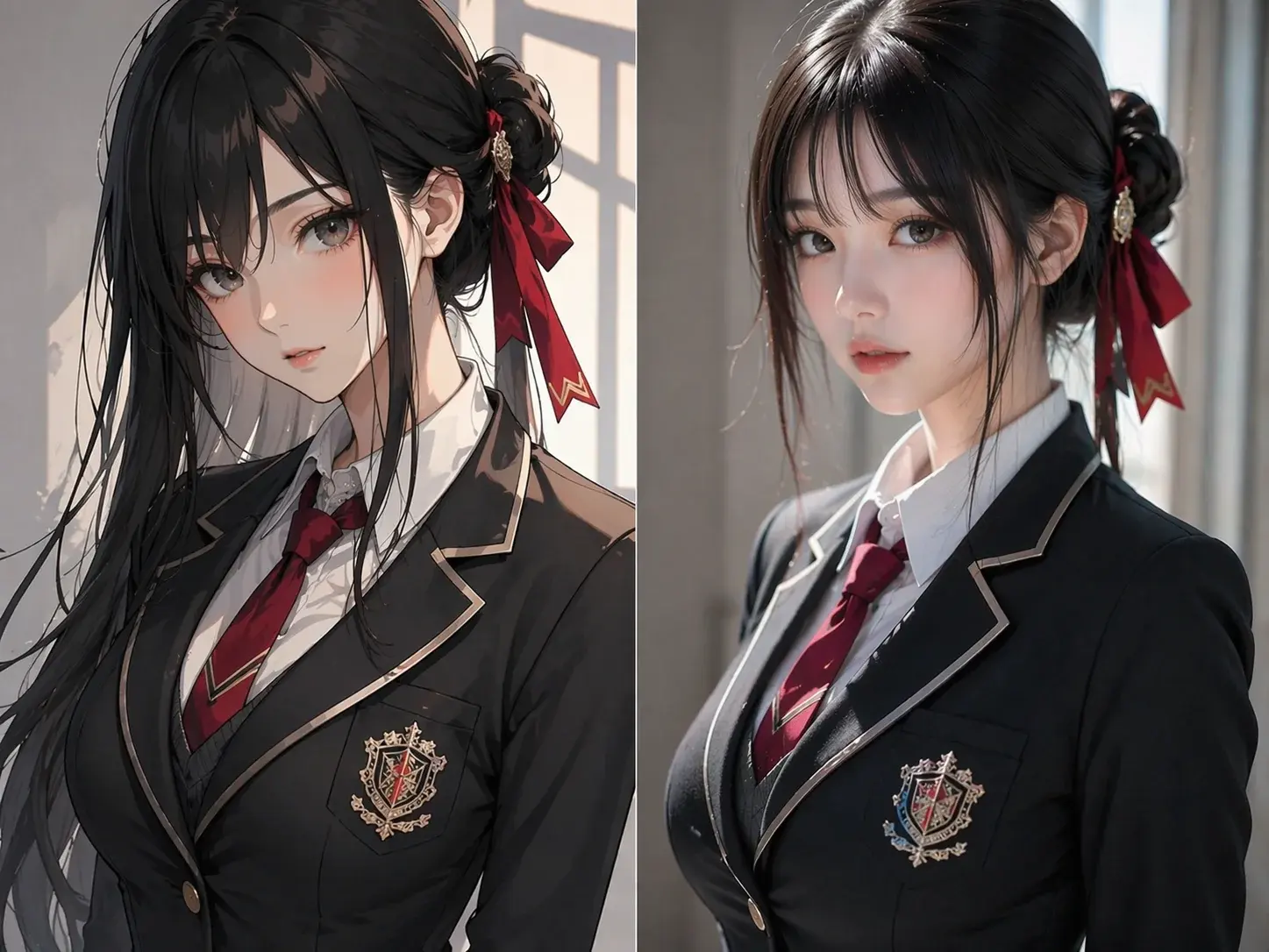
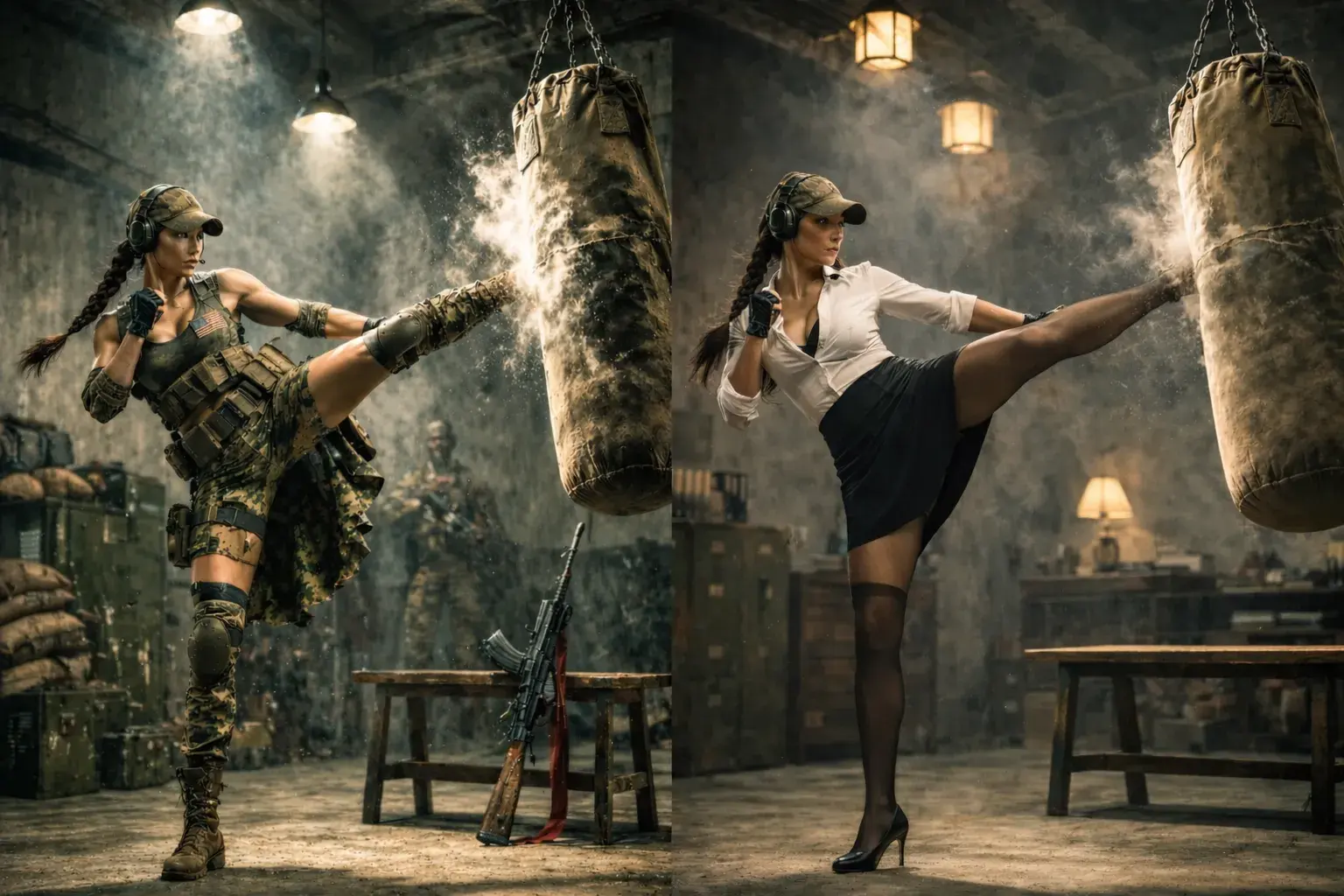
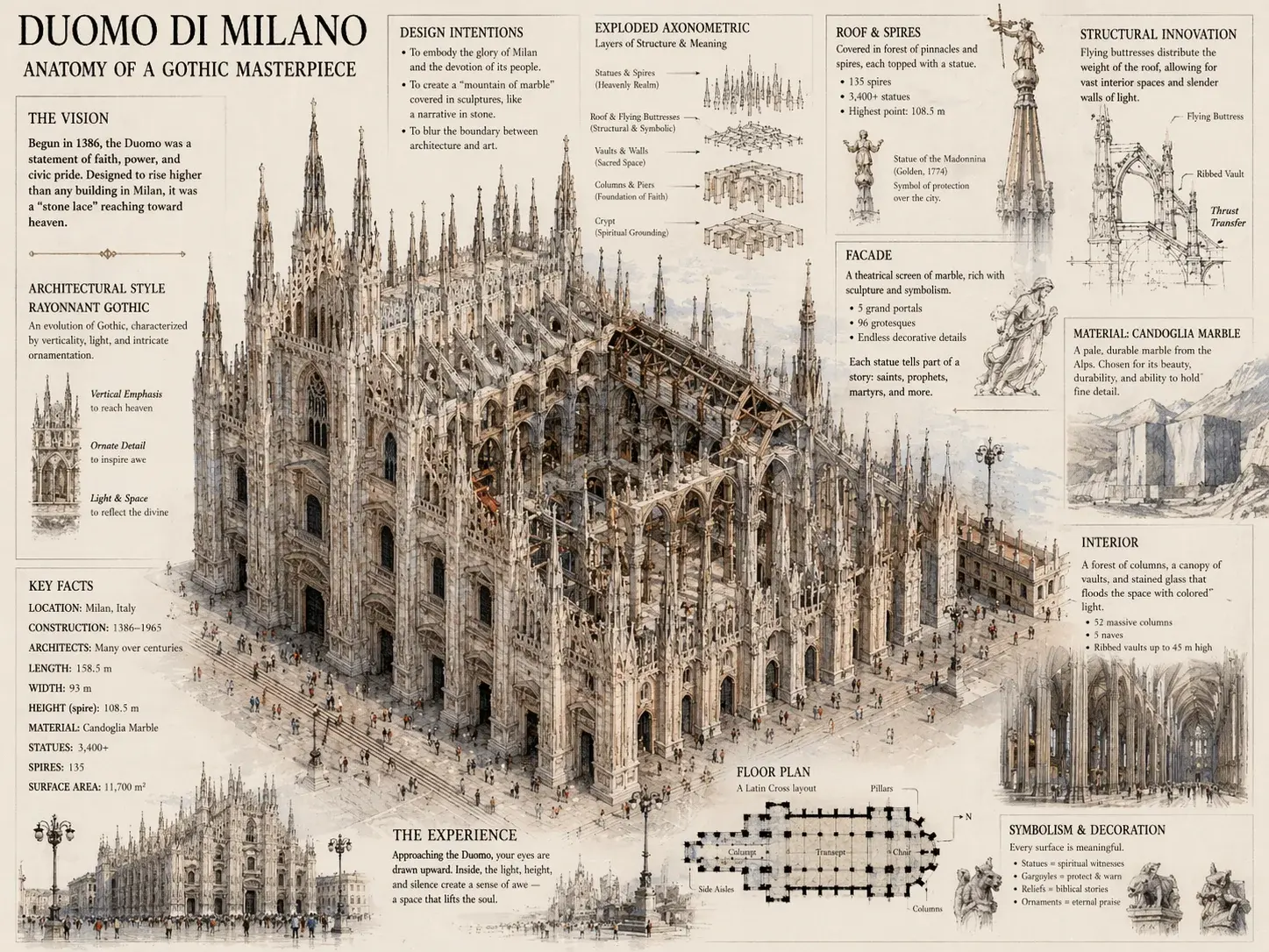
GPT Image 2 Examples: What You Can Create
See the range of visuals you can generate with GPT Image 2, from photorealistic portraits to creative illustrations.
프로 팁
더 나은 프롬프트 작성하기
주제를 구체적으로
'고양이' 대신 '석양이 지는 창가에 앉은 털이 많은 주황색 줄무늬 고양이'라고 쓰세요. 세부사항이 많을수록 결과가 좋아집니다.
조명과 분위기 설명
조명 방향('왼쪽에서 오는 부드러운 자연광'), 분위기('따뜻하고 아늑한'), 환경('몽환적인 보케 배경')을 추가하여 AI를 안내합니다.
스타일과 기법 지정
예술 스타일('유화', '영화적 사진'), 카메라 각도('낮은 각도', '조감도'), 구도('삼등분 법칙')을 포함합니다.
참조 이미지 현명하게 사용
스타일, 색상 팔레트, 구도를 맞추기 위해 참조 이미지를 업로드합니다. 유지할 측면('조명 스타일 유지')과 변경할 측면을 설명합니다.
반복 및 개선
기본 프롬프트로 시작하고, 생성한 다음, 결과를 기반으로 개선합니다. 전체 프롬프트를 다시 쓰는 대신 특정 요소를 조정합니다.
피해야 할 것 제어
부정적 언어('텍스트 없음', '배경 잡동사니 없음')를 사용하여 생성에서 원하지 않는 요소를 제외합니다.
Payments
Useful for everyday image creation.
Common creative workflows with clear output goals and simple controls.
Creators
Generate campaign images, thumbnails, and social posts.
Dashboard
Create polished product scenes and catalog visuals.
Design teams
Explore concepts, characters, and brand directions quickly.
FAQ
Questions, answered.
Quick answers about the GPT Image 2 workspace.
New users receive sign-up credits to try the image generator and editor. After that, you can subscribe to a Basic, Pro, or Max plan, or purchase pay-as-you-go credits.
Create your next image in one focused workspace.
Start from a prompt, upload a reference, choose a ratio, and keep your visual history in one place.